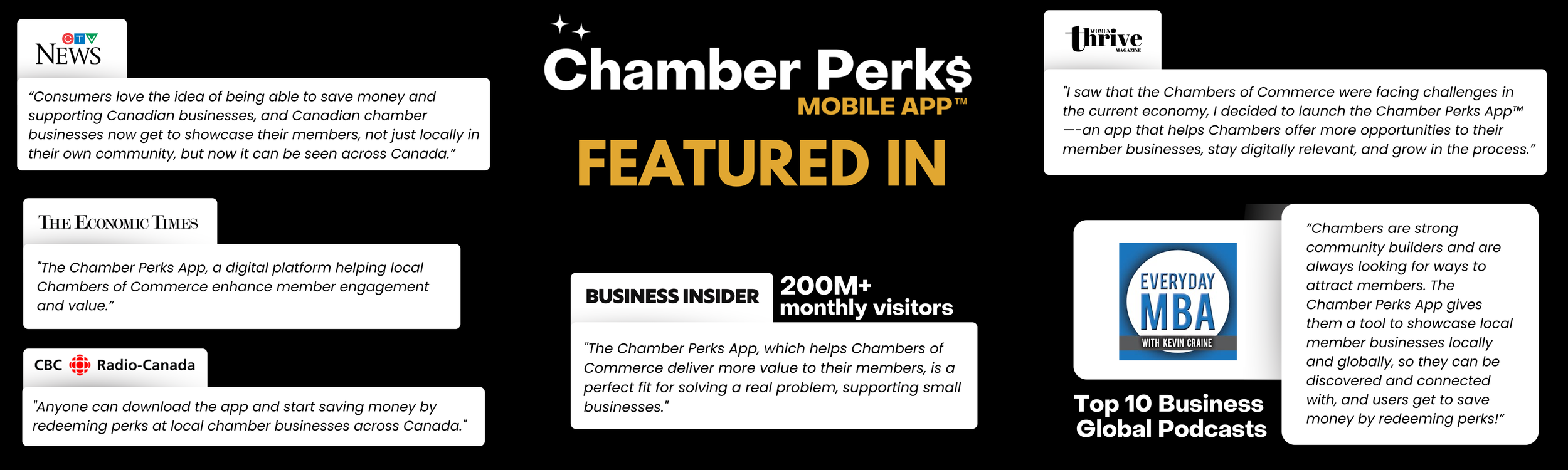

Introducing the New Chamber Perks App: Unleash Its Potential to Boost Sales and Elevate Your Business
As Businesses strive to stay ahead in a competitive marketplace, strategic marketing tools have become instrumental in driving growth and enhancing brand awareness. We are thrilled to announce the launch of our all-new Chamber Perks App, a resource designed to empower businesses like yours.

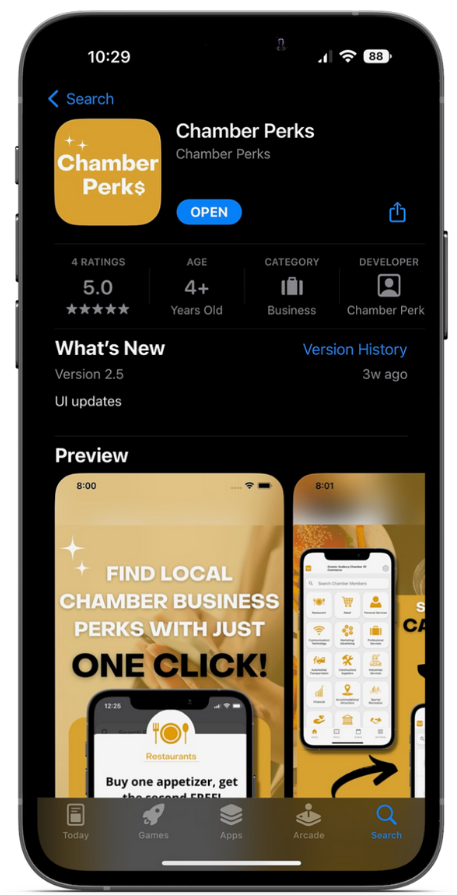
How to Get Started
Getting started on a new endeavor can be an exciting yet overwhelming experience. Whether you're starting a new project, pursuing a hobby, or embarking on a personal journey, taking the first steps is crucial. Here's a guide to help you get started on your path to success:
1. Download the “Chamber Perks” App from your preferred app store
2. Create an account with your businesses information
3. Start creating the business network using your perks


What is a Perk?
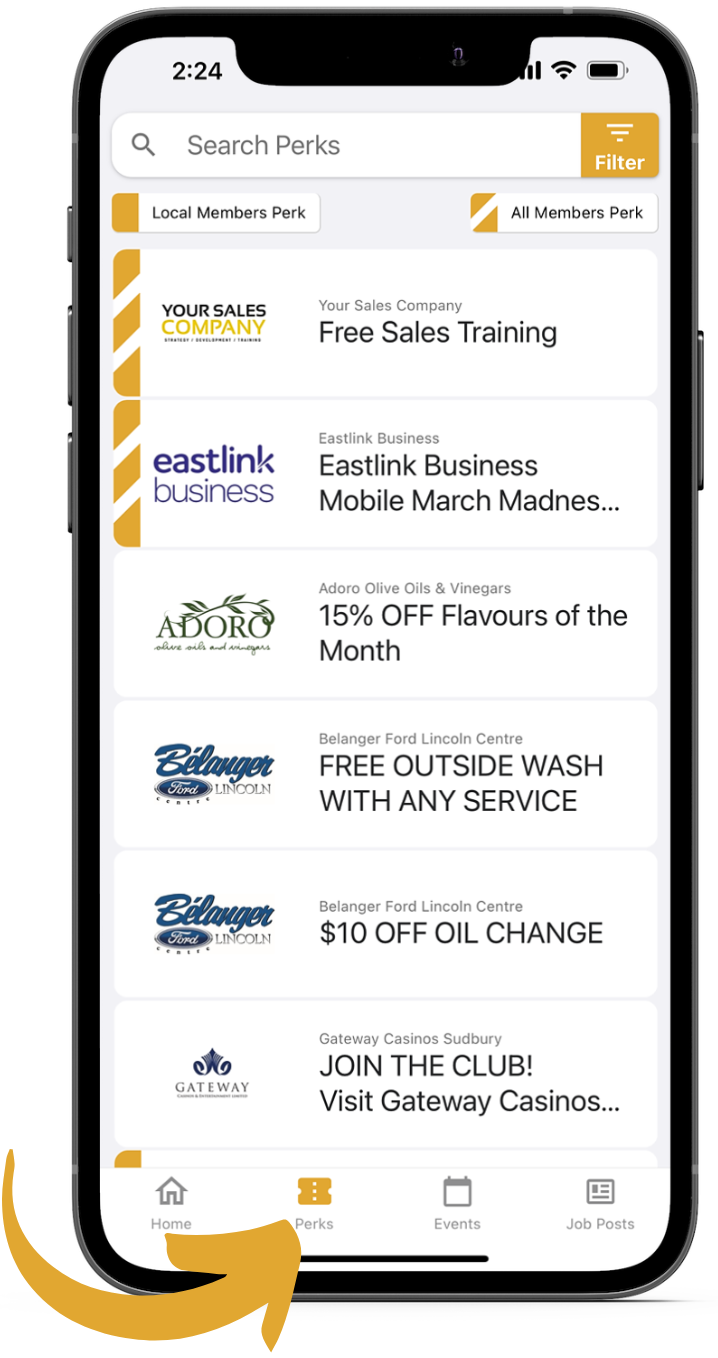
A Perk is something a business can use to elevate their sales, grow their network, and build your company brand awareness. Perks are very customizable and you can use them to fit your business perfectly.
4 Ways to Perk
Local Chamber Members/Member-to-Member Benefits
All Chambers Across Canada
General Public (Non Members)
Company Employee Perks

Sponsorship Opportunities